Release notes
Update Geberit BIM plug-in April 2026
The Geberit BIM plug-in, version 2.12, is supported in the following Autodesk® Revit® versions:
• 2024
• 2025
• 2026
* Revit 2023 users should not update the Geberit BIM plug-in if they wish to continue using it
* Revit 2023 will no longer be supported after six months.
News in the catalogue module
New products available
You can now find these new products in the catalogue:
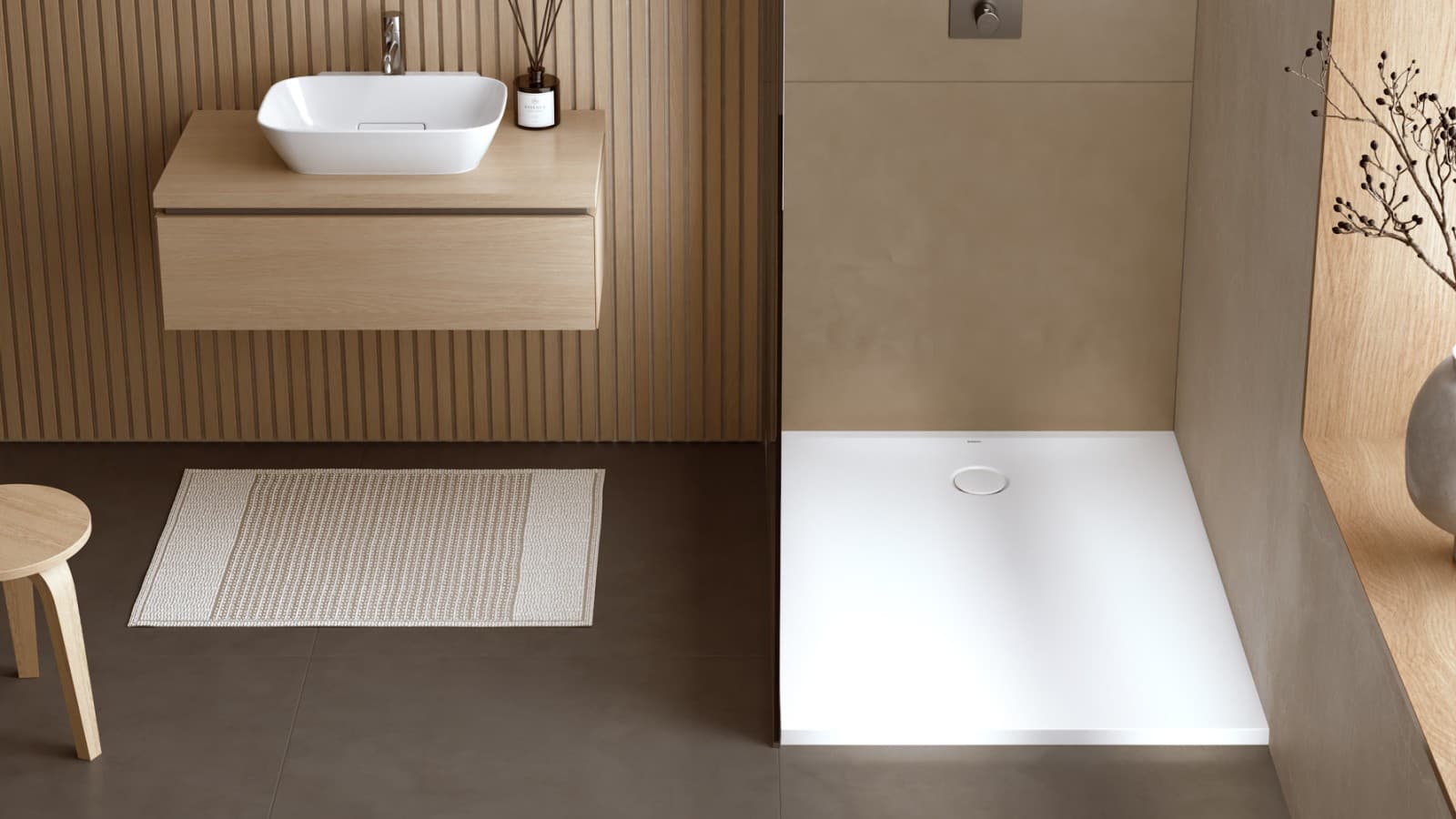
• Geberit CleanLine assortment
• Geberit CleanFloor30 assortment ·
• Traps for different washbasins and bidets
News in Pluvia module
Automatic calculation of Geberit Pluvia fastening points
Boost efficiency and accuracy in your next Pluvia BIM project
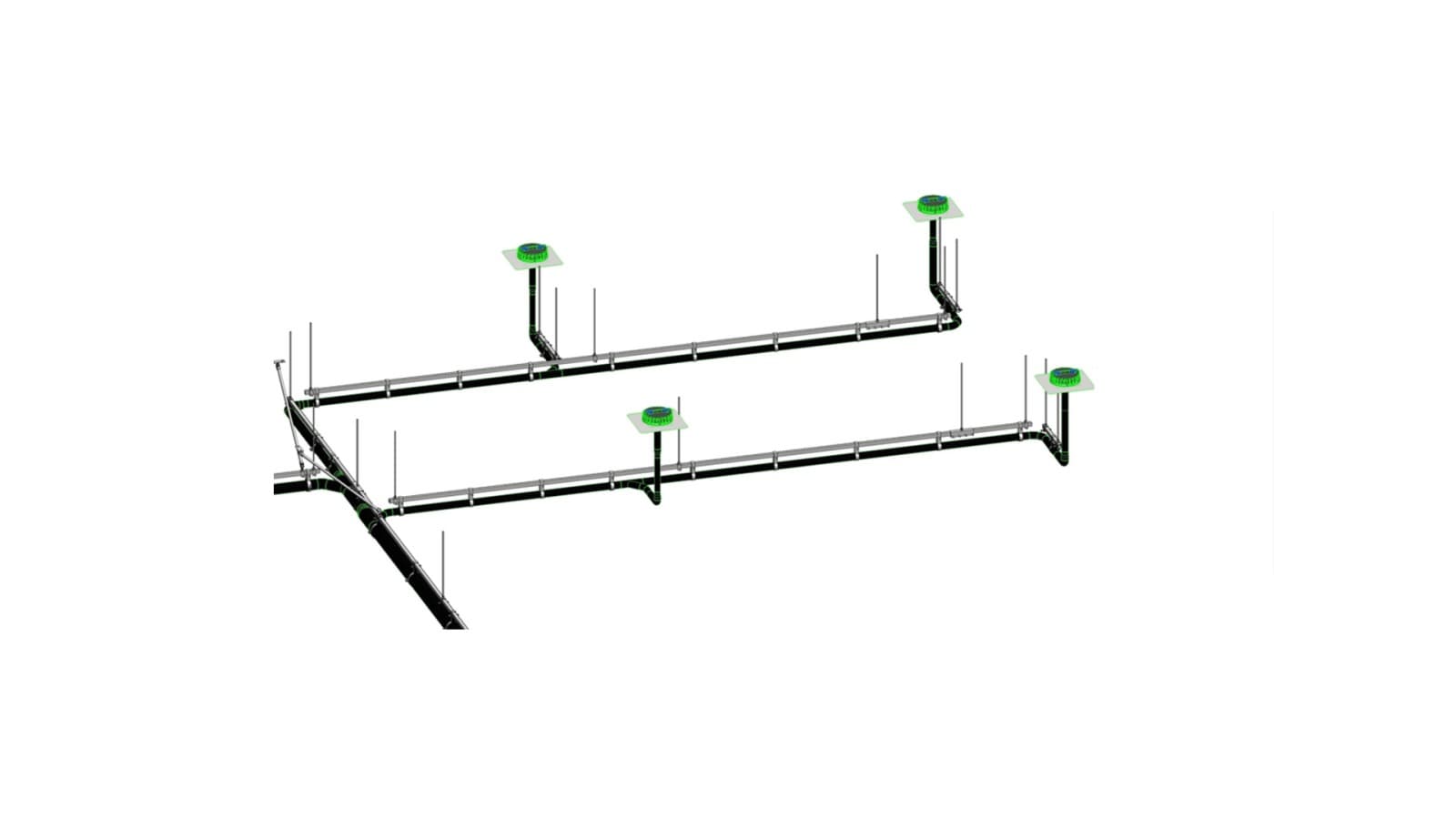
Instead of placing all fastening points manually, simply click “Calculate” in your next Pluvia project. The plug-in automatically generates and visualizes all required fastening points – fully compliant with Geberit standards and aligned with your project-specific requirements. This ensures preciseplanning while significantly reducing manual effort for MEP designers.
Automatically define expansion sockets and fix/sliding points
More reliable Geberit Pluvia pipe installation
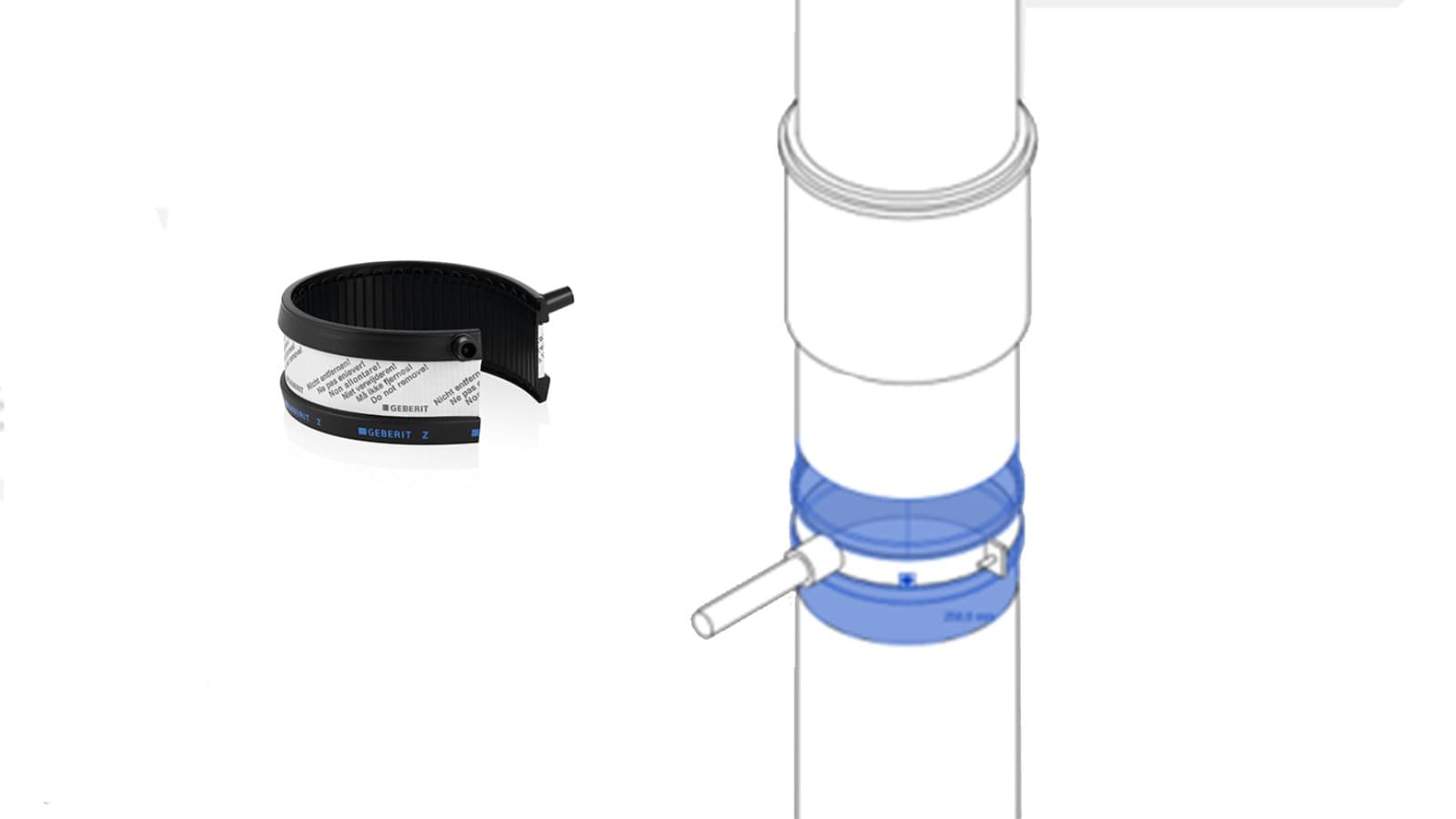
The Pluvia Assistant automatically calculates all required fixed and sliding fastening points and assigns the appropriate expansion sockets and additional articles (when needed) – fully in line with Geberit standards.
Based on the defined fix and sliding points, the Assistant automatically adds all necessary components according to the Geberit ruleset: Wherever expansion sockets are required, these are placed and visualized automatically.
All elements – fastening points, expansion sockets, and electrofusion components – are fully visualized within the BIM model, ensuring complete transparency and accuracy in your Pluvia project.
Easily integrate the Geberit Pluvia support set
More stability and safety at pipe installation
with longer distance to ceiling
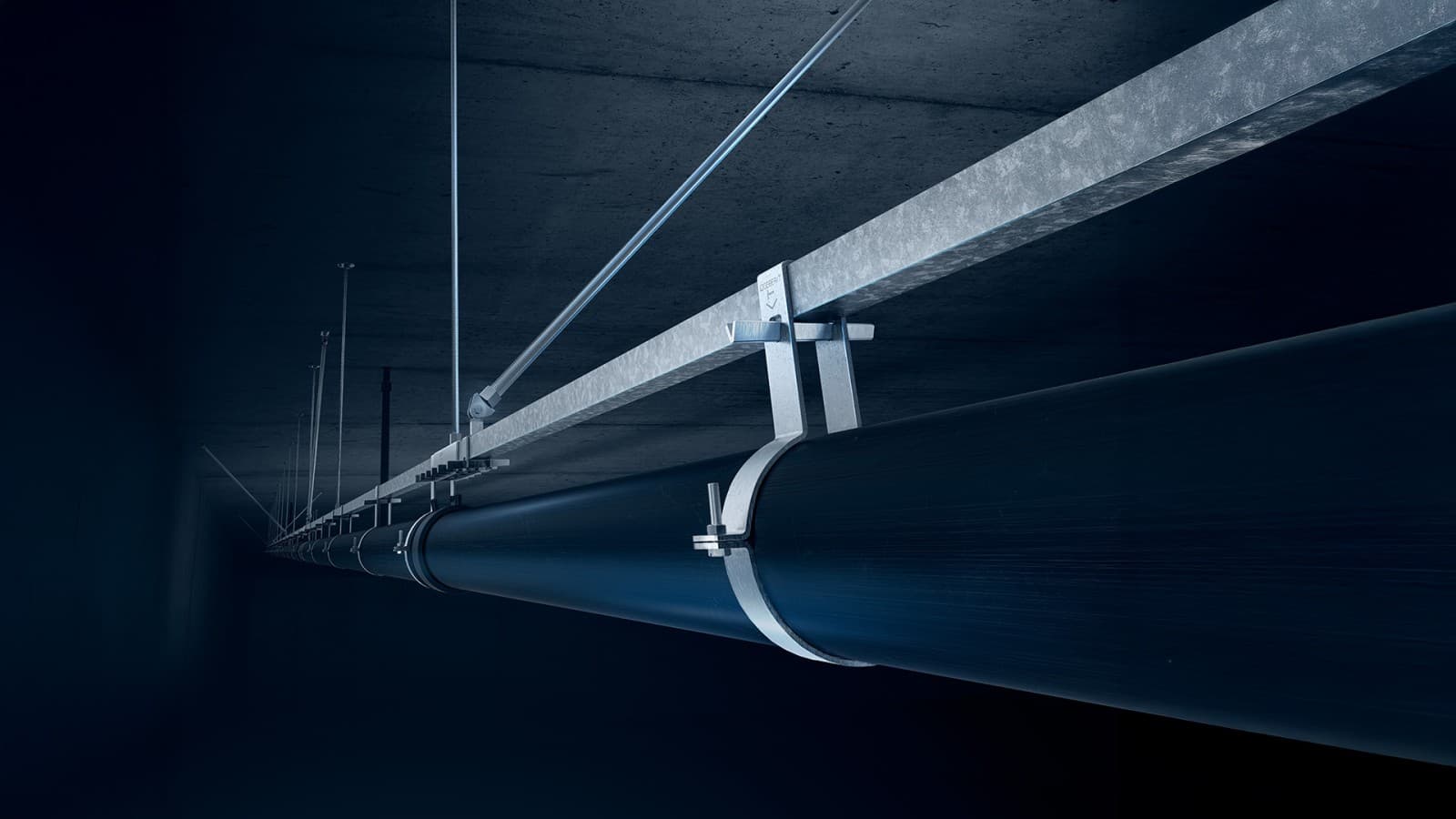
For pipe installations with a greater distance from the ceiling, we recommend using the Geberit Pluvia support set to ensure optimal safety and stability. It significantly reduces the risk of lateral vibrations or oscillations caused by the high flow velocities in Pluvia discharge systems.
With the latest update, you can now add the Pluvia support set effortlessly in your next BIM project. The lateral support elements are automatically positioned according to Geberit guidelines and fully visualized within the model – saving time and ensuring compliance and is also include in the material list.
More information about Geberit Pluvia support set
The Geberit Pluvia support set with just a few parts increases both safety and stability. It greatly reduces the risk of lateral vibration or oscillations caused by the high flow velocity of the water to be discharged. Even System that are already installed and in operation can be retrofitted with supports
Automatic equal spacing of brackets
Consistent and compliant to standards pipe layout
This new functionality evenly distributes brackets along any pipe section to ensure uniform spacing, compliance with relevant standards, and accurate material calculation.
Simply enable the option in the settings, and the Pluvia Assistant will automatically apply the correct equal spacing – saving time and improving planning precision in your BIM project.
Planning Geberit Pluvia pipes embedded in concrete
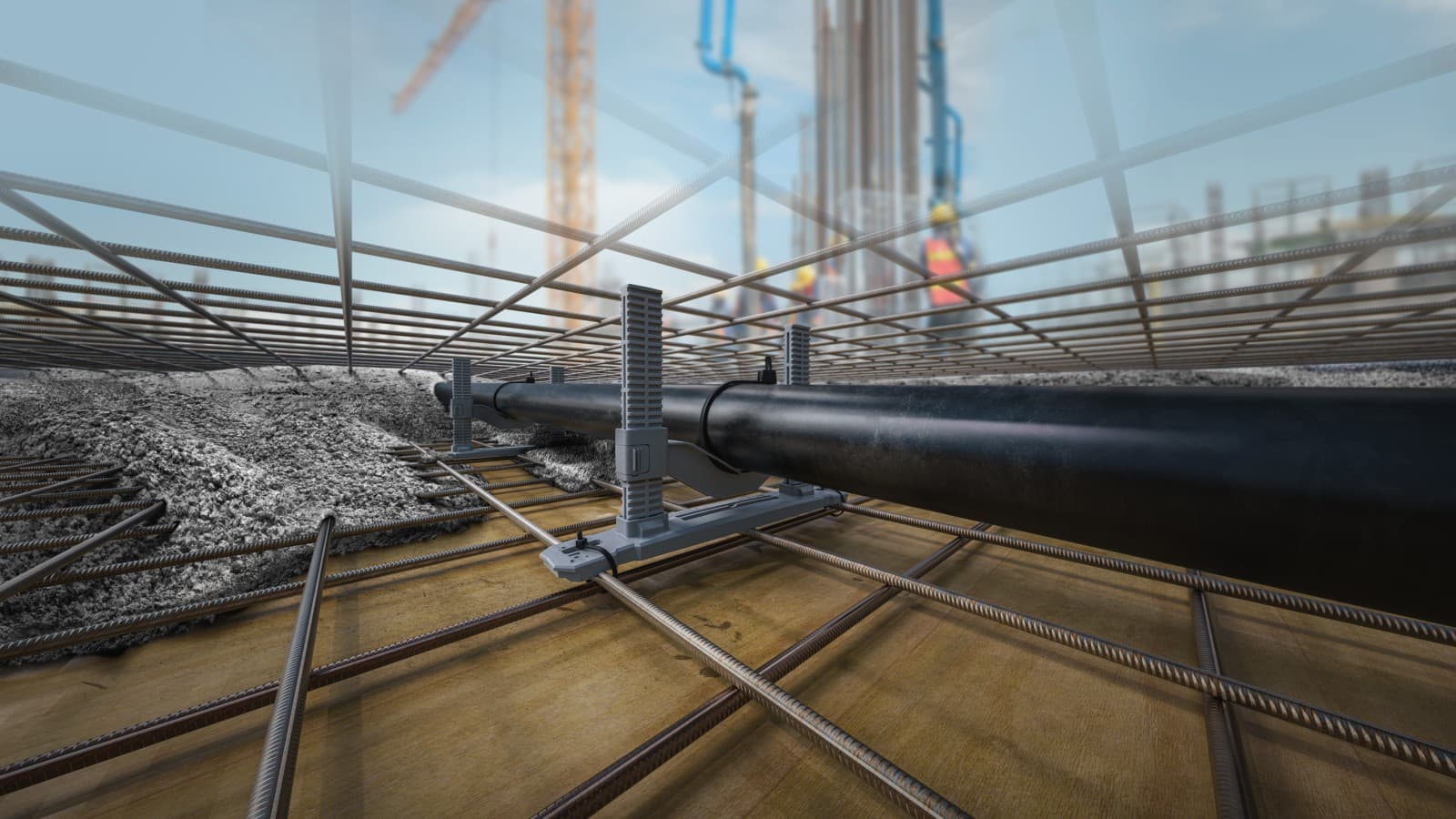
Geberit Cast-in concrete bracket
Pipelines embedded in concrete must be securely fixed to stay in position during pouring. Geberit now offers an easy-to-install and flexible solution:
Geberit Cast-in concrete brackets made from recycled plastic.
With the new release, you can add these brackets quickly. Simply set the fastening type to “embedded in concrete” in the Properties, and the Geberit cast-in concrete brackets will be automatically placed according to the official Geberit planning rules and visualized in the BIM project.
The material list shows both the required number of brackets and their exact positions.
News in Assistance module
New assistant: Silent-db20 Upseller
Geberit SuperTube technology
With highly sound insulating Geberit Silent-db20
Once you have planned your project using the Geberit PE drainage system with the SuperTube system, you can easily upgrade to the highly sound-insulating Geberit Silent-db20 system.
The assistant “Silent-db20 Upseller” automatically identify es all relevant pipes and fittings in your model and seamlessly replaces them with the corresponding Silentdb20 SuperTube solutions. This enhances acoustic performance on the stack pipe while keeping the planning process effortless and efficient.

New “Help for BIM plug-in- Search Assistant”
Ask any question – in any language – and get fast answers
The new “Help for BIM Plug-in – Search Assistant” is now available and makes it easier than ever to find the information you need. Simply type your question, and the assistant will instantly guide you to the relevant pages in the planning documentation – and even provide a short summary of the content.

Information about older release notes
October 2025
New in the Catalogue module
- Smarter fittings with nested families: Automatic generation based on routing presets.
- Bendable pipes that can be included in the material list.
New in Pluvia module
- Material list per pipe section: Detailed analysis for specific sections—ideal for renovations.
- Flexible placement of reducers: Fewer manual adjustments, greater project accuracy.
- Variable threaded rod lengths: More precise fastener lists for more efficient material planning.
April 2025
New in the Catalogue module
- Geberit Silent-db20 SuperTube available
- The new Geberit Duofix installation system available
New in Pluvia module
- Calculation waiting time reduced when modifying dimensions
New in the Installation module
- Easier to select the installation elements with Geberit Duofix or Geberit GIS